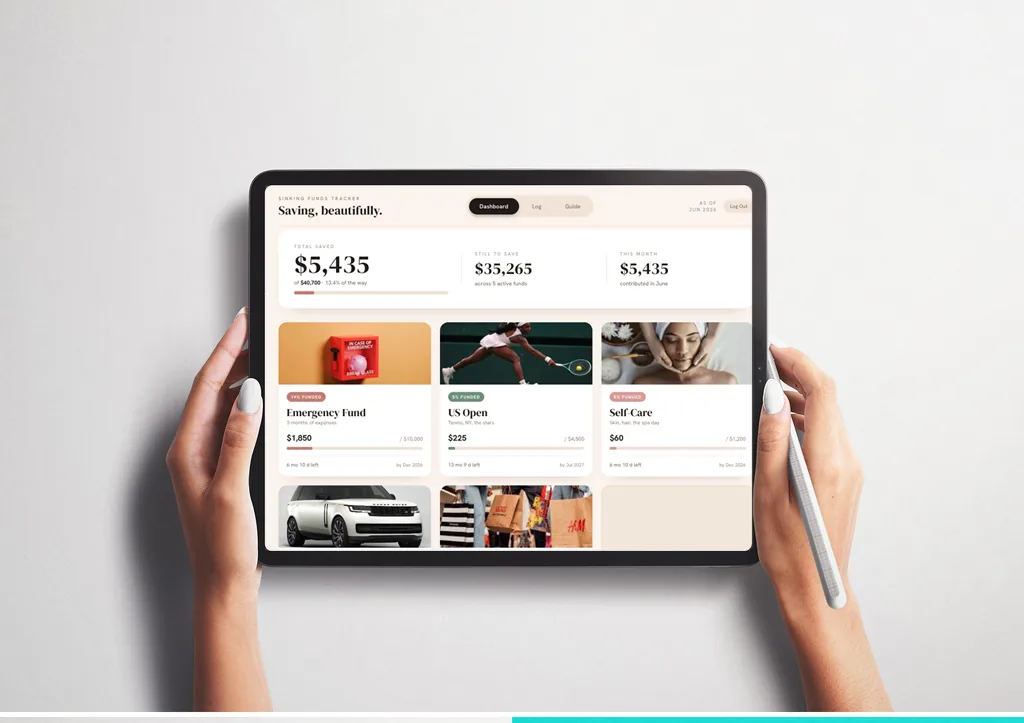
Budgeting, beautifully.
Give every dollar a place, stay ahead of your bills, and watch real savings goals grow — in an app so warm and pretty you'll actually want to open it.
Boring spreadsheets get abandoned by week two.
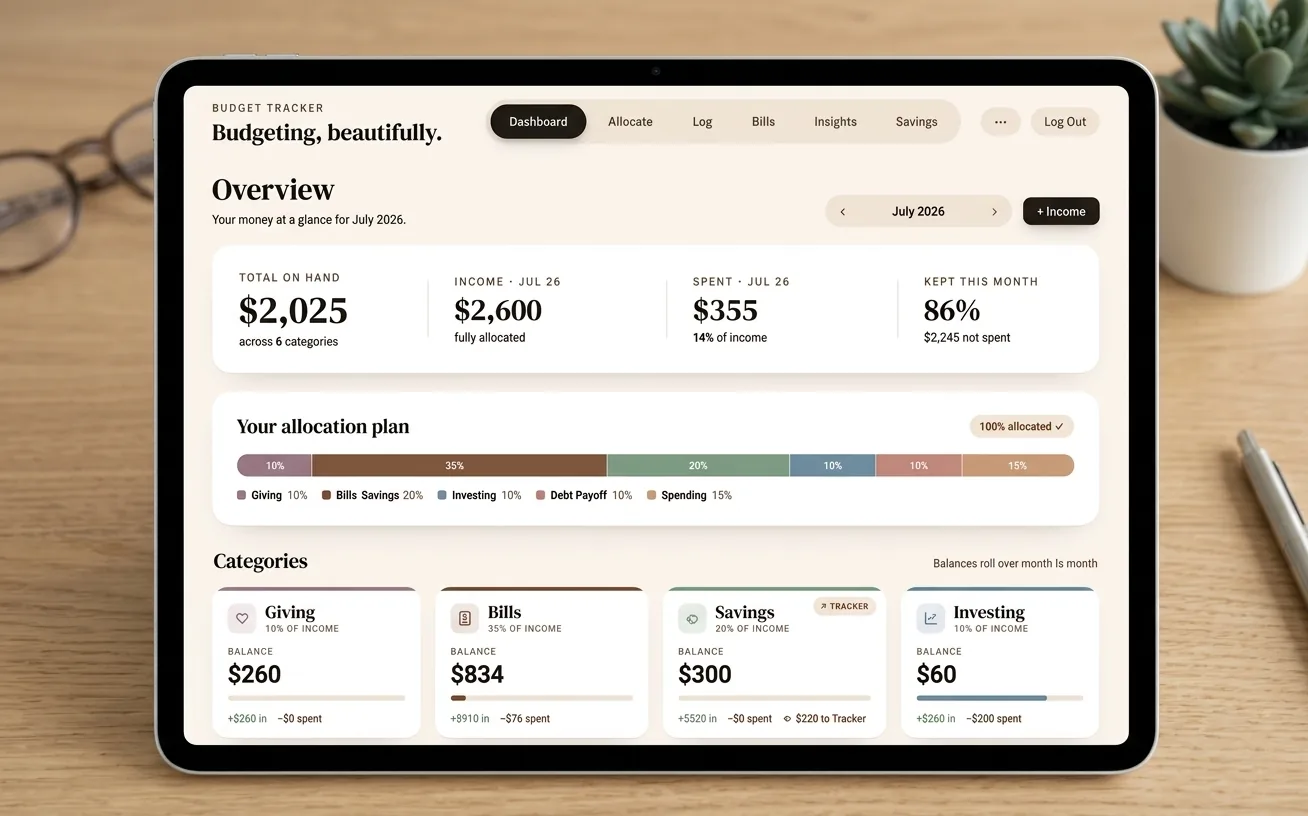
Everything your money needs, in one calm place
Built around the way you actually budget — give every dollar a job, then watch the plan play out.
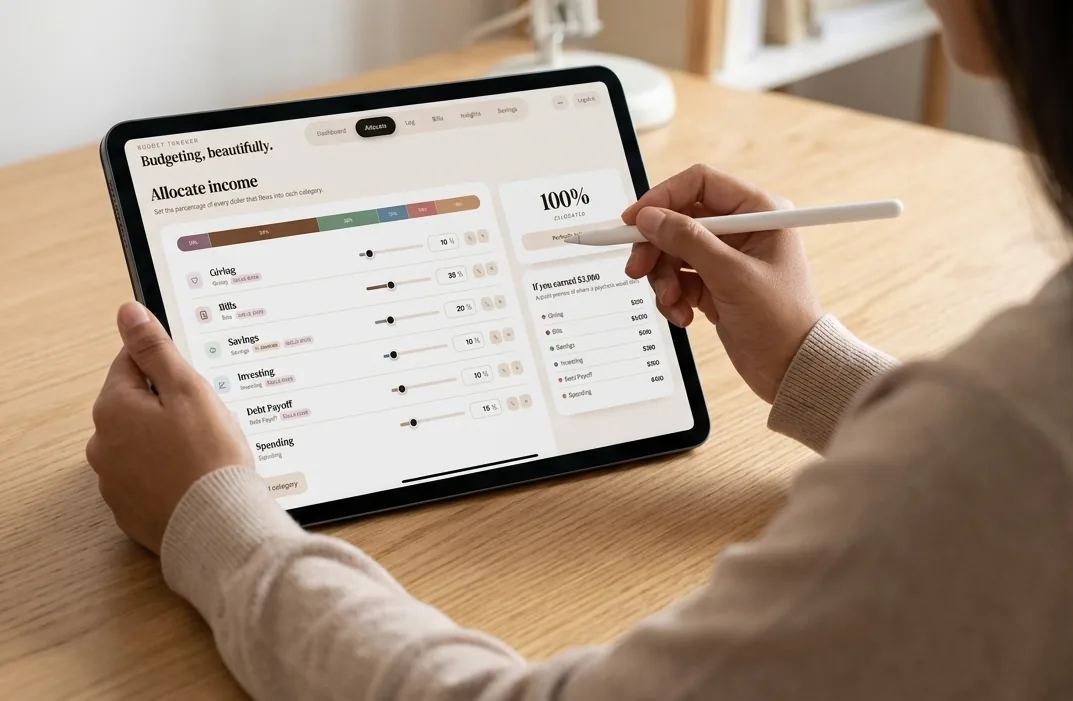
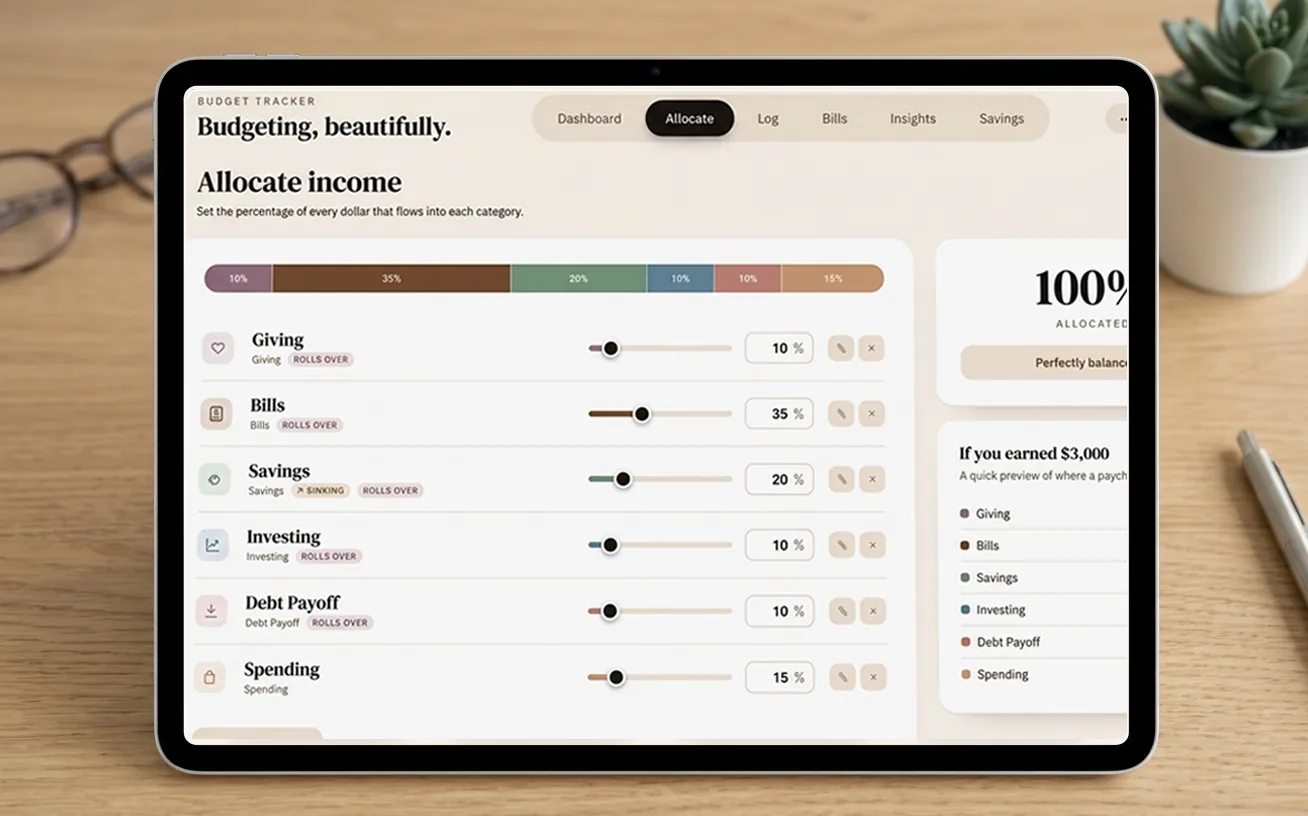
Every dollar, placed
Set the percentage of each paycheck that flows into every category. The math balances to 100% for you.
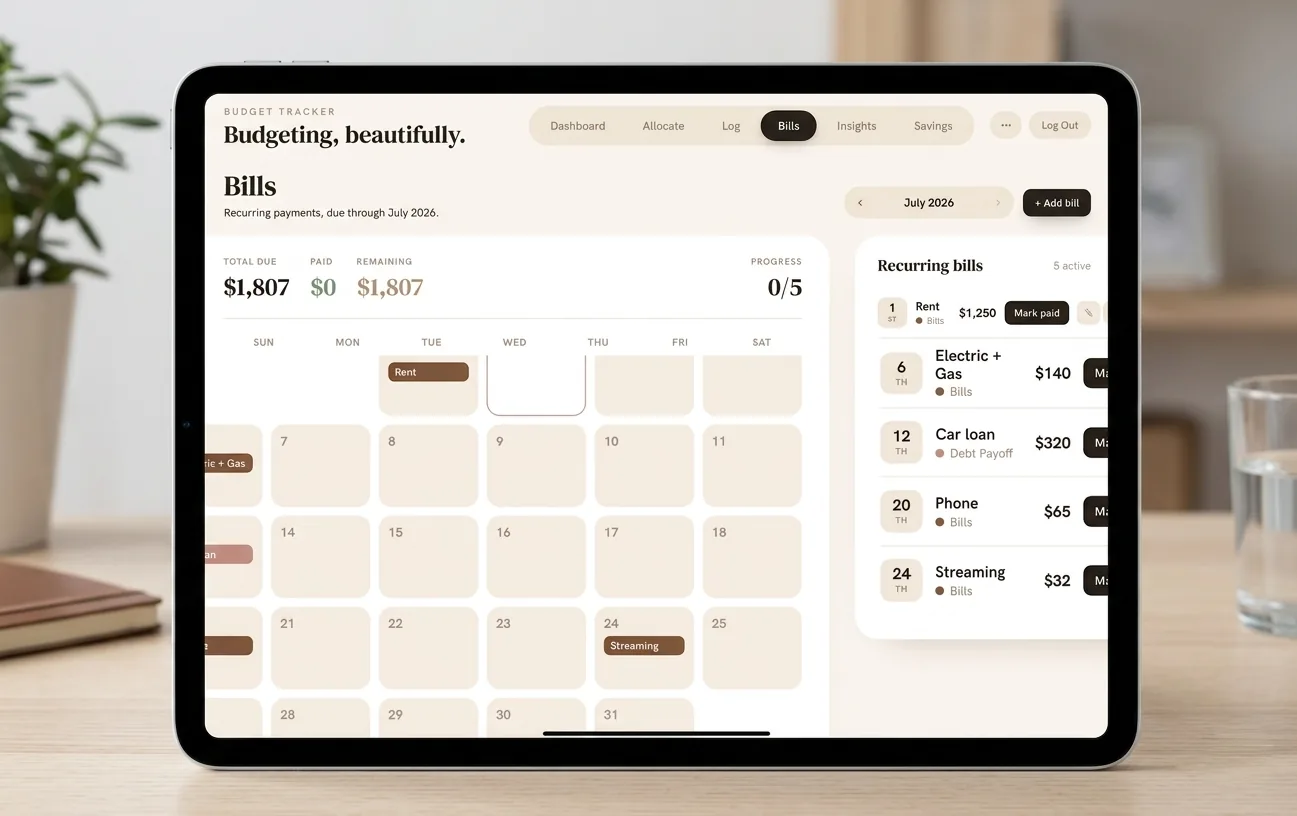
Bills, handled
Track what's due and when, mark it paid, and never get surprised by a recurring charge again.
Savings that live inside
Move money to savings and it flows straight into your Sinking Funds tracker, ready to allocate to real goals.
Give every goal a face
Add a photo to each fund — the trip, the car, the rainy-day cushion — so saving feels like something real.
Works like an app
Add it to your home screen and open it with one tap. Phone, tablet, or desktop — it follows you.
Synced & safe
Log in with your email and your numbers are saved to the cloud, private to you, on every device.
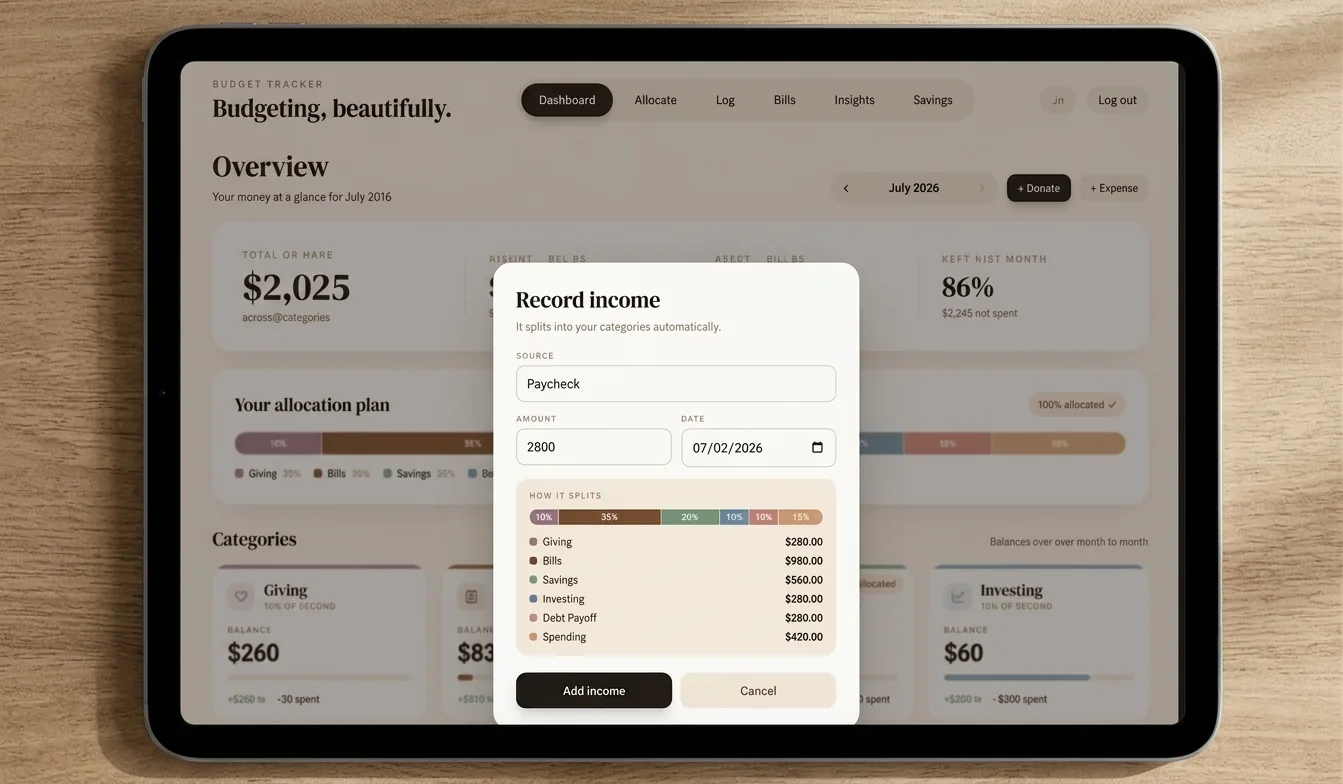
From paycheck to peace of mind
Allocate
Split each paycheck across your categories with simple sliders. See exactly where every dollar lands.
Track
Log spending and bills as you go. Balances update live so you always know what's left.
Grow
Send money to savings and allocate it to named goals — with progress bars that make you want to keep going.
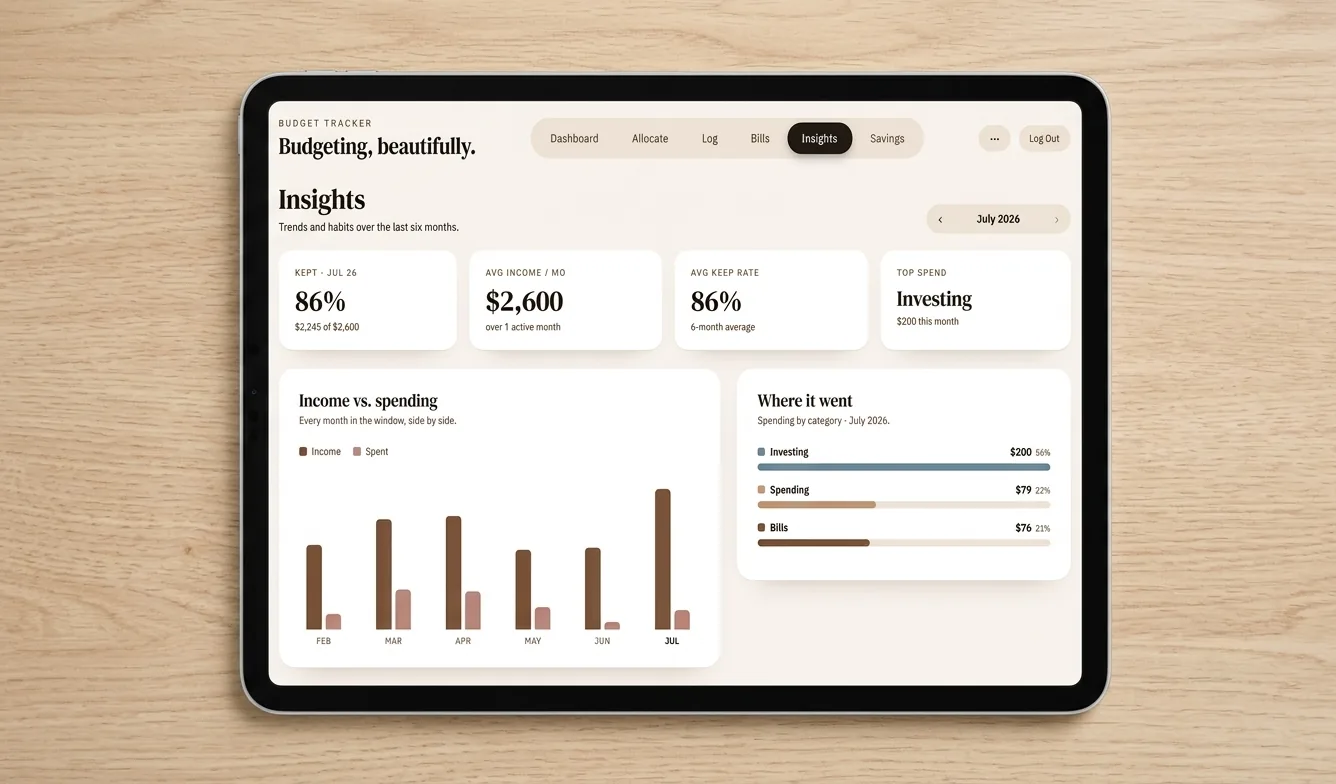
Beautiful on every screen
The same warm, calm design whether you're on your phone, laptop, or curled up with an iPad.
Pick your plan
No subscriptions, ever. Pay once and it's yours — updates included.
- ✓Allocate every dollar by category
- ✓Bills tracker + spending log
- ✓Insights & monthly overview
- ✓Cloud sync across devices
- +Savings tracker sold separately
- ✓Everything in Budget Tracker
- ✓Savings Tracker unlocked inside
- ✓Money moves from budget → savings seamlessly
- ✓Named goals with photos & progress
- ✓The complete SideDish experience
- ✓Sinking Funds savings tracker
- ✓Named goals, targets & timelines
- ✓Photo-personalized funds
- ✓Receives money sent from your budget
- ℹUnlocks inside the Budget app
Questions, answered
Is this a subscription?
No. Every plan is a one-time purchase — pay once and it's yours forever, updates included.
What's the difference between the plans?
Budget Tracker is the main app. The Savings Add-On unlocks the Sinking Funds savings tracker inside it. The Bundle is both together for $2 less than buying them separately.
I bought Budget — can I add Savings later?
Yes. Grab the Savings Add-On anytime with the same email, log back in, and the Savings tab unlocks automatically.
How do I access it after paying?
After checkout you'll be sent to the app to create your account — use the same email you paid with, and everything syncs to the cloud.
What devices does it work on?
Any modern browser — phone, tablet, or desktop. Add it to your home screen and it opens like a native app.